

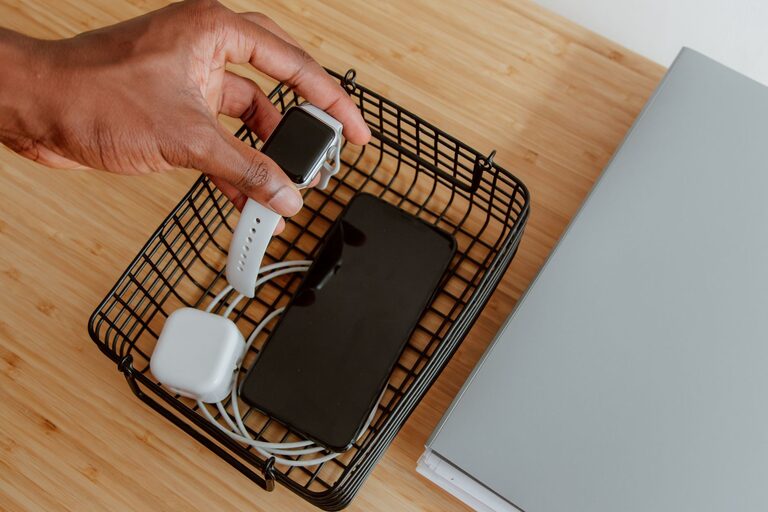
Setting up a dedicated charging station for your devices can simplify your daily routine, reduce clutter, and keep all your gadgets powered and ready to use. Whether you have smartphones, tablets, smartwatches, or other rechargeable electronics, a well-organized charging station is both practical and efficient. This guide will walk you through the steps to create a charging station that fits your needs, whether at home, in the office, or on the go.
Why Create a Charging Station?
With multiple devices needing power, cords and chargers can quickly take over your desk, counters, or bedside table. A charging station helps by:
– Centralizing power sources in one spot
– Reducing cable tangles and clutter
– Protecting devices from accidental damage
– Making it easier to keep devices charged and accessible
Step 1: Choose the Right Location
Start by selecting a convenient and safe spot for your charging station. Consider these tips:
– Accessibility: Pick an area that is easy to reach, such as a living room table, desk, or nightstand.
– Power Source: Make sure it’s near an electrical outlet or power strip.
– Ventilation: Devices generate heat while charging, so choose a well-ventilated spot without direct sunlight or heat sources.
– Space: Ensure there’s enough room for all your devices and chargers.
Step 2: Select Charging Equipment
The choice of chargers and accessories depends on the types and number of devices you have. Common options include:
– Multi-port USB Chargers: These compact units provide multiple USB ports for simultaneous charging of several devices.
– Wireless Charging Pads: Perfect for compatible smartphones and earbuds that support wireless charging.
– Charging Docks or Stations: Designed with slots or holders for specific devices, these help keep devices upright and organized.
– Power Strips with USB Ports: Ideal for adding extra outlets and USB charging in one unit.
When selecting equipment, prioritize safety features like surge protection and smart charging technology, which prevents overcharging.
Step 3: Organize Your Cables
Cable management helps prevent mess and makes your station look tidy. Consider these strategies:
– Use Cable Ties or Velcro Straps: Bundle excess cable length to avoid tangling.
– Label Cables: Use small tags or colored tape to identify cables quickly, especially if multiple devices use similar chargers.
– Cable Organizers: Clips, sleeves, or boxes can keep cables in place and out of sight.
– Avoid Overcrowding: Leave enough space between cables for air circulation and easier access.
Step 4: Arrange Your Devices
Arrange your devices so they’re easy to access and won’t block each other’s cables:
– Use Stands or Holders: Keep devices upright and stable, making it easier to view notifications while charging.
– Group by Use: Place frequently used devices closest to you.
– Use Separate Charging Spots for Different Types: For example, a wireless pad for Qi-enabled phones, and a USB charger for others.
Step 5: Maintain Your Charging Station
A charging station functions best when kept clean and up-to-date:
– Regular Cleaning: Dust and wipe down surfaces, chargers, and cables to keep them in good condition.
– Check Cables and Chargers: Replace any frayed or damaged components to prevent hazards.
– Update Devices and Chargers: As technology advances, you may need new chargers or cables to support faster and more efficient charging.
– Avoid Overloading: Don’t connect too many devices at once to a single power source to reduce risk and ensure stable charging.
Bonus Tips for a Great Charging Station
– Add Lighting: A small LED lamp or strip can make it easier to plug in devices at night.
– Use a Charging Station Box: These boxes hide cords and power strips while allowing ventilation.
– Portable Options: For travel, consider compact multi-port chargers and foldable charging pads.
Conclusion
Setting up a charging station is a simple yet effective way to make your space more organized and ensure all your devices are ready when you need them. By selecting the right location, choosing appropriate equipment, managing cables, and maintaining the station regularly, you’ll enjoy a clutter-free, efficient charging experience. Get started today and keep your devices powered up with ease!